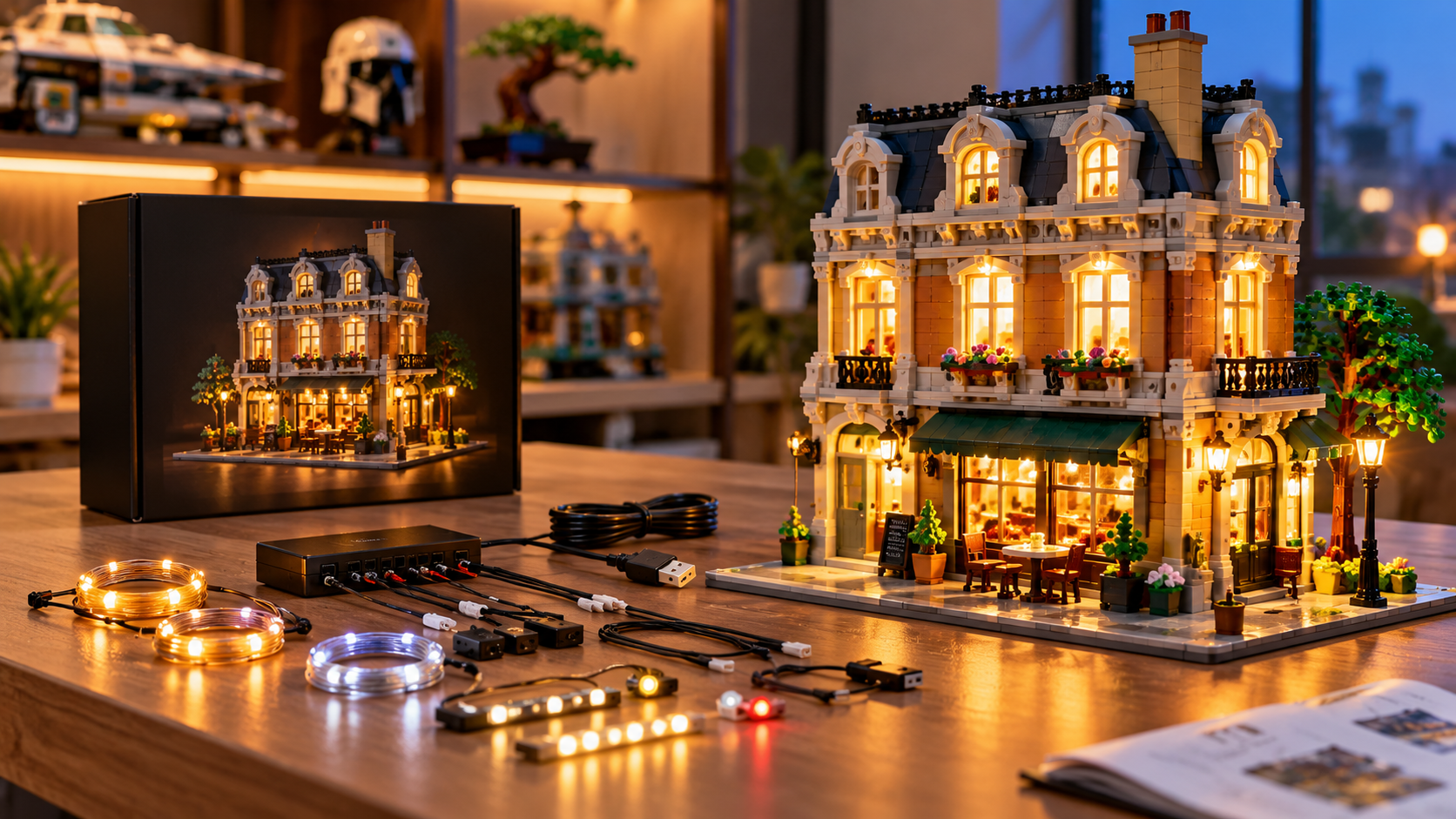
A finished building block model can look impressive on a shelf during the day, yet many small details disappear once the room gets darker.
Lighting kits for building blocks give you a practical way to illuminate windows, vehicle headlights, street lamps, interiors, signs, and other parts of your build.
These kits typically use small LEDs connected by thin wires to a USB connection, battery box, or control module. Some products are designed around a specific building set, while others let you create your own lighting arrangement.
Before buying one, you should check compatibility, installation difficulty, power options, wire placement, lighting controls, and exactly what comes in the package.

What Are Lighting Kits for Building Blocks?
Lighting kits for building blocks are small lighting systems made to fit inside or around brick-built models.
Most kits combine LEDs, thin connecting wires, expansion boards, adhesive pieces, and a power connection.
Set-specific products place the lights according to a particular model. For instance, a kit designed for a building may illuminate its windows, street lamps, signs, and interior rooms. A vehicle kit might focus on headlights, taillights, dashboards, and decorative lighting.
General-purpose LED light kits for bricks work differently. Instead of following one predetermined layout, they give you individual LEDs or light bars that can be placed around a custom build.
Both formats can work well. Your better option depends on how much control you want over installation.
Set-Specific vs. DIY Lighting Kits
One of your first decisions is choosing between a set-specific kit and a DIY system.
| Feature | Set-Specific Kit | DIY Kit |
| Compatibility | Made for a particular model | Designed for flexible placement |
| Installation | Usually guided | Requires planning |
| Wire routing | Predetermined | Chosen by you |
| Lighting positions | Fixed or semi-fixed | Highly adjustable |
| Best suited for | Finished retail sets | Custom builds and layouts |
Set-specific kits can be easier when you already own a compatible model. Installation instructions show where LEDs and cables should go, although you may need to remove some pieces during installation.
Lightailing instructions for one set, for example, direct users to remove selected sections, connect LEDs and expansion boards, route cables, and then connect the power source.
DIY kits give you greater control over custom brick lighting, particularly when you’re working on an original building, street scene, vehicle, or display.
Check Model Compatibility Before Buying
Compatibility should be one of your first checks.
Many lighting products are made for one specific set number. A kit designed around one model may have wire lengths, LED positions, and connectors arranged specifically for that build.
Check the product description for:
- Exact model or set number
- Included LEDs and cables
- Required power source
- Installation instructions
- Control options
- Recommended age
- Any required accessories
You should also check if you’re purchasing lights alone. Many listings clearly state that the brick model shown in product photos is not included with the lighting package.
That distinction matters when comparing prices.
Look Closely at the Power Source
Power can affect where and how you display your model.
Many USB powered block lights connect to a USB power source, which can work well for a permanent shelf or cabinet display.
Other kits include or support battery boxes, giving you greater placement flexibility when a USB outlet isn’t conveniently located.
Some systems support both methods. BRIKSMAX instructions, for example, describe battery and USB power options, with USB recommended for optimal brightness and performance.
Another lighting bundle provides a USB-A cable and battery box for each kit, with the battery box requiring three AAA batteries.
Before ordering, check if batteries, adapters, or power banks need to be purchased separately.
Pay Attention to Wire Size and Placement
Tiny wires can have a surprisingly large effect on installation.
The wires need to pass between, behind, or underneath bricks without preventing pieces from connecting properly. Poorly routed wires can become visible or create unwanted gaps.
Good building block lighting accessories should give you enough cable length to reach the intended lighting locations without leaving large amounts of excess wiring.
During installation, avoid sharply bending, pinching, or pulling thin cables. Some product instructions specifically warn against aggressive pulling because small LED wires can break.
Planning the cable path before reconnecting removed bricks can save you considerable installation time.
Think About Where You Want the Light
Brightness alone doesn’t determine how good a model looks.
Placement can make an even bigger difference.
Small miniature LED lights for models can highlight individual features instead of flooding the entire build with light. You might use them behind windows, beneath transparent bricks, inside rooms, under vehicles, or behind decorative elements.
Different builds need different lighting strategies. A modular building may benefit from warm interior lighting, while a vehicle could look better with bright headlights and colored rear lights.
For large scenes, dividing the lights into separate areas can make cable management easier and give you greater control over the final appearance.
Look for Useful Lighting Controls
Basic kits may provide simple on-and-off operation, while higher-spec products can include dimming, remote controls, timers, or multiple lighting effects.
These controls can be helpful if your model stays illuminated for extended periods.
Dimming is particularly useful for building block display lights because maximum brightness isn’t always ideal. A bright LED placed behind a small transparent brick can dominate nearby details. Lowering the brightness can create a cleaner display.
Remote operation can also help when models sit inside cabinets or on shelves that are difficult to reach.
Before paying extra for advanced controls, decide how often you’ll actually use them.
How Difficult Is Installation?
Installation difficulty depends heavily on the model and lighting system.
Some kits can be installed with little disassembly. Others require you to remove multiple sections of a completed model so wires can pass between bricks.
One commercial lighting bundle estimates installation at roughly 30 to 60 minutes per kit and describes its installation as reversible. Other set-specific manuals show fairly detailed procedures involving LEDs, expansion boards, connecting cables, and partial disassembly.
Before buying, check for:
- Illustrated instructions
- Video installation guides
- Clearly labeled cables
- Replacement parts
- Accessible customer support
- Reversible installation
If you’re new to lighting kits, detailed instructions can be worth paying for.
How Much Do Building Block Lighting Kits Cost?
Prices vary significantly based on model size, number of LEDs, controls, and kit design.
Current examples show how wide that range can be. A set-specific light kit for a Heavy-Duty Tow Truck is listed at $26.99, while another retailer lists basic, upgraded, and remote-controlled lighting versions for a larger house model at $58.99 to $79.99.
A multi-kit building starter bundle is listed at $69.99.
These examples shouldn’t be treated as fixed market prices because retailer pricing, promotions, shipping charges, and availability can change.
Instead of buying solely on price, compare what you’re actually getting. A cheaper kit may be perfectly adequate for a small model, while a large display could benefit from extra LEDs, longer cables, expansion boards, or lighting controls.
What Should You Check Before Buying?
A simple checklist can prevent compatibility and installation problems.
First, confirm that the lighting system matches your exact model if you’re buying a set-specific product. Then check the number and type of LEDs, power requirements, cable routing, installation instructions, and included controls.
You should also confirm that the seller provides clear information about what comes inside the package.
Pay particular attention to photos showing the wiring after installation. Product photos taken only in dark rooms can make lights look impressive without showing how visible the cables are during normal daytime viewing.
Are Lighting Kits Worth Adding to a Finished Build?
They can make sense when your building block models are primarily used for display.
Lighting can highlight interior rooms, architectural details, transparent elements, vehicle lamps, street scenes, and other areas that may be difficult to see on a shelf.
You should still factor in installation time. Adding LEDs to an already completed model may require partial disassembly and careful cable routing.
If you frequently rebuild your sets, a removable system may suit you better. If the model stays permanently displayed, a carefully installed set-specific kit can provide a cleaner final appearance.
Choosing the Right Lighting Setup
The right lighting system depends on your model, display location, preferred power source, and comfort level with installation.
Start by confirming compatibility. Then compare LED placement, cable design, USB or battery power, controls, instructions, and included parts.
If you want straightforward installation, a set-specific kit can reduce much of the planning. If you’re lighting an original creation, a flexible DIY system gives you greater control.
Good lighting shouldn’t distract from your build. It should help you see the details you’ve already spent time putting together.