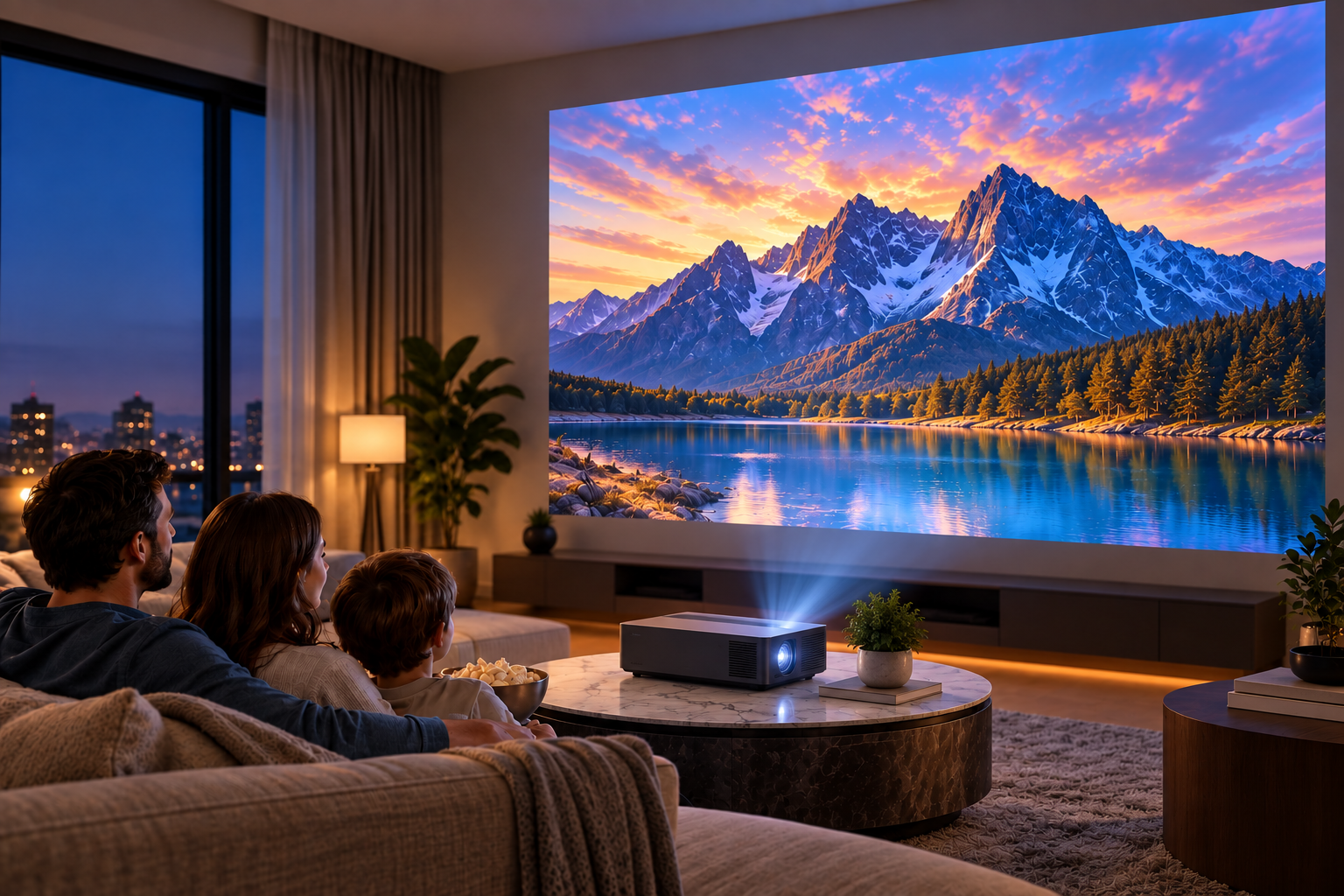
A 4K laser projector can give you a large, detailed picture without requiring a huge television to dominate your room. With laser-based illumination, high-resolution imaging, and increasingly flexible installation options, these projectors are worth considering for movies, streaming, sports, and gaming.
Still, specifications vary considerably between models. Brightness, contrast, throw distance, connectivity, and gaming performance can all affect your experience. Understanding these differences can help you compare options based on your room and viewing habits rather than relying on impressive-looking specifications alone.
What Makes a 4K Laser Projector Worth Considering?
Compared with traditional lamp-based projectors, a 4K laser projector uses a laser light source designed to maintain useful brightness for many thousands of operating hours. You generally avoid periodic lamp replacements, although the exact expected light-source life varies by manufacturer and operating mode.
Resolution is another major consideration. A 4K projector can display considerably more detail than a standard 1080p model, which becomes especially noticeable when you use a large projection screen or sit relatively close to the image.

However, check how a manufacturer defines 4K. Some projectors use native 4K imaging devices, while others use pixel-shifting technology to produce a 4K-resolution image. Both approaches may provide impressive results, but understanding the underlying technology makes product comparisons more meaningful.
How Does Laser Projection Technology Work?
A laser projector uses laser-based illumination instead of the replaceable lamps traditionally found in many projectors. Depending on the design, manufacturers may use different laser and imaging systems to create the final picture.
One practical advantage is convenience. Laser illumination generally reaches useful brightness quickly, meaning you do not need the extended warm-up and cool-down periods associated with some older lamp projectors.
Laser systems can also provide relatively consistent light output over a long service life. However, performance still varies considerably by product, so laser technology alone should not determine your purchase.
Look Closely at Brightness
Projector brightness becomes especially important when your room has windows, lamps, or other sources of ambient light.
Manufacturers commonly express projector brightness in lumens, although measurement standards can differ. ANSI lumens provide a standardized measurement that can make comparisons easier when manufacturers publish them.
A darker dedicated theater room typically needs less brightness than a multipurpose living room. For daytime viewing, higher brightness may help preserve image visibility, but controlling incoming light can make an equally significant difference.
When comparing a home theater projector, consider:
- How much natural light enters your room
- Whether you normally watch during the day or at night
- Your preferred screen size
- Screen material and gain
- How easily you can control ambient lighting
Do not choose solely by the largest lumen figure. Contrast, black levels, color performance, and screen conditions also contribute to perceived picture quality.
Consider Your Screen Size and Throw Distance
Before buying a projector, measure the room.
Throw distance describes the space required between the projector and screen to produce a particular image size. A standard-throw projector might require several feet of separation, while short-throw and ultra-short-throw models can produce large images from considerably shorter distances.
An ultra short throw projector can be particularly useful when you want a large projected picture but cannot mount equipment across the room. Many models sit on furniture near the projection surface.
However, installation still requires precision. Small positioning changes can affect image geometry, and ultra-short-throw models generally perform best with a flat, suitable screen.
Check the manufacturer’s throw-distance calculator or specifications before purchasing. This simple step can prevent discovering that your chosen model cannot create your desired screen size in the available space.
Pay Attention to Contrast and Black Levels
Resolution attracts plenty of attention, but contrast can have an equally noticeable effect on picture quality.
Strong contrast helps distinguish bright highlights from dark areas of an image. This becomes particularly noticeable during nighttime scenes, science-fiction movies, or other content containing extensive shadows.
Manufacturer contrast specifications can be difficult to compare directly because testing methods may differ. Independent measurements and detailed reviews can therefore provide useful context.
If movie watching is your main priority, consider real-world black-level performance alongside resolution and brightness.
HDR Performance Can Vary
Many modern 4K projectors support high dynamic range formats such as HDR10. HDR can provide a broader range between dark and bright areas when both the content and display support it properly.
Projectors face different brightness limitations than televisions, however. Effective HDR presentation therefore depends heavily on tone mapping, available light output, contrast, and room conditions.
Do not assume two HDR-compatible projectors will produce identical results. Reviews that evaluate HDR performance using actual movies can be more informative than checking for an HDR logo alone.
Think About Gaming Before You Buy
If you plan to connect a PlayStation, Xbox, gaming PC, or another gaming device, input lag and refresh-rate support deserve attention.
A gaming projector should provide sufficiently low input latency for the games you play. Fast-paced competitive games generally benefit more from low latency and higher refresh rates than slower cinematic or strategy games.
Check whether a model provides dedicated gaming modes. Also review its HDMI capabilities, supported resolutions, refresh rates, and features such as variable refresh rate where applicable.
Remember that manufacturers may quote different latency figures depending on resolution and refresh rate. Check the specific configuration you intend to use.
Connectivity Matters More Than It First Appears
Consider every device you expect to connect before making your choice. Your setup might include:
- Streaming devices
- Game consoles
- Blu-ray players
- AV receivers
- Soundbars
- Laptops or desktop computers
Multiple HDMI inputs can make switching between devices easier. HDMI eARC or ARC support may also simplify connections to compatible audio equipment.
Some projectors include built-in streaming platforms and Wi-Fi. Others are primarily displays and work better with an external streaming device. Neither approach is inherently better; the right choice depends on how you want to organize your entertainment system.
Should You Use a Projector Screen or a Wall?
A plain wall can work for casual projection, but a dedicated screen typically provides a more controlled surface.
Walls may have texture, unevenness, or paint characteristics that affect brightness and color uniformity. A proper projection screen is designed to provide a consistent viewing surface.
Ambient-light-rejecting screens can be useful in rooms where eliminating surrounding light is difficult. Ultra-short-throw projectors may require screens specifically designed for their steep projection angle, so compatibility should always be checked.
Your screen is part of the overall system, rather than an accessory that should automatically receive the smallest portion of your budget.
Compare the Total Cost of Your Setup
The projector’s purchase price may represent only part of your total expense.
Depending on your room, you might also need a screen, ceiling mount, cables, streaming hardware, AV receiver, speakers, soundbar, furniture, or professional installation.
Creating a complete equipment list before shopping can help you establish a more realistic budget.
Laser illumination may reduce the need for routine lamp replacement, but that does not make a projector maintenance-free. Filters, ventilation openings, lenses, and surrounding equipment may still require occasional cleaning or maintenance according to manufacturer instructions.
How to Compare 4K Laser Projectors
Rather than searching for one specification that determines the “best” model, compare several factors together.
Start with your room dimensions and preferred image size. Next, determine how much ambient light you normally have. Then compare brightness, throw ratio, contrast performance, HDR handling, connectivity, and input latency.
Your priorities can narrow the options considerably.
For movies, emphasize contrast, black levels, HDR processing, and color accuracy. For gaming, look more closely at input latency and refresh rates. For bright multipurpose rooms, brightness and screen selection become especially important.
Finally, read independent reviews alongside manufacturer specifications. Laboratory measurements and real-world testing may reveal differences that specification sheets do not clearly show.
Choosing a Projector That Fits Your Viewing Space
A 4K laser projector can be a practical centerpiece for a large-screen entertainment setup, but the right model depends heavily on where and how you plan to use it.
Measure your space, determine your desired screen size, assess ambient lighting, and identify the devices you need to connect. Then compare projectors using the specifications that actually affect those requirements.